 WonderLoop
Creating a video with AI is not a "push-of-a-button" trick. It's a creative production workflow, with humans steering every stage. Here's what actually happens, step by step, and what you can realistically expect.
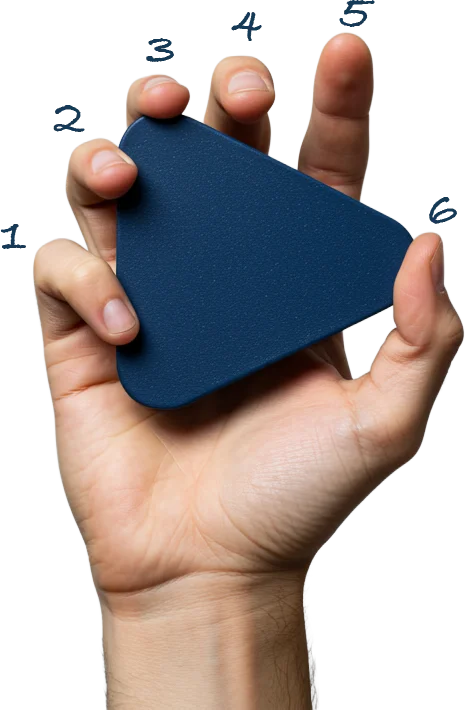
Limitations to Know Up Front
AI Image Limitations
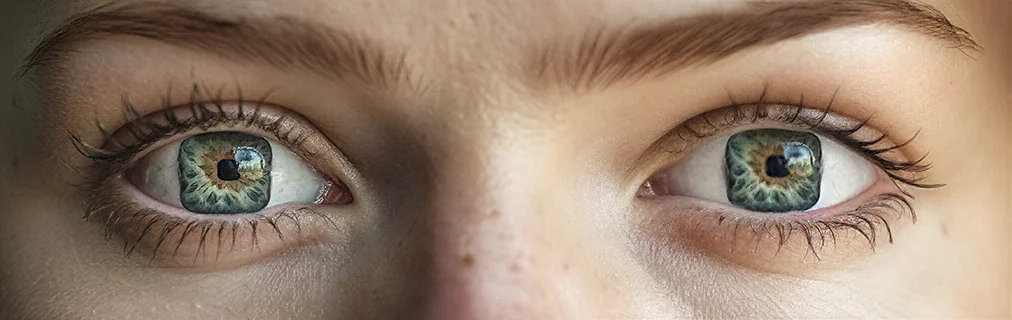
- Fine details can break: extra fingers, generic teeth, nonsensical small objects
- Text is unreliable
- Logos can subtly change
- Consistency can drift
- Max output: 4K
AI Video Limitations
- Short clips (8–10 seconds)
- Interactions break easily
- Physical/visual consistency can drift
- Voice consistency is limited
- Content restrictions on children or characters resembling real people
How We Work Around This
Images
We selectively retouch and refine by hand. AI generates the raw material. Humans finish the shot.
Video
We design around the limits. Scenes are broken into manageable beats, actions are simplified, and continuity is carefully controlled in the edit.
Where AI Video Shines
- Content without physical sets
- Visual storytelling for products not yet finalized
- Fast animation workflows
- Stylized/surreal visuals
- Visualizing inaccessible locations
- Updating visuals without restarting
Copyright and Usage Rights
- Marketing
- Advertising
- Websites
- Presentations
- Social media
- Full exclusivity / copyright
- Resemblance to real people
- Literal proof use
We design with these boundaries in mind.
Timeline Expectations
Our 12-Step Production Process
Ideation
Define audience, CTA, context, core idea, emotional entry point.
Script Creation
Emotional entry point, clarity over detail, narrative flow, AI-aware writing.
AI Image Generation
Iterative exploration, refining prompts, selecting frames.
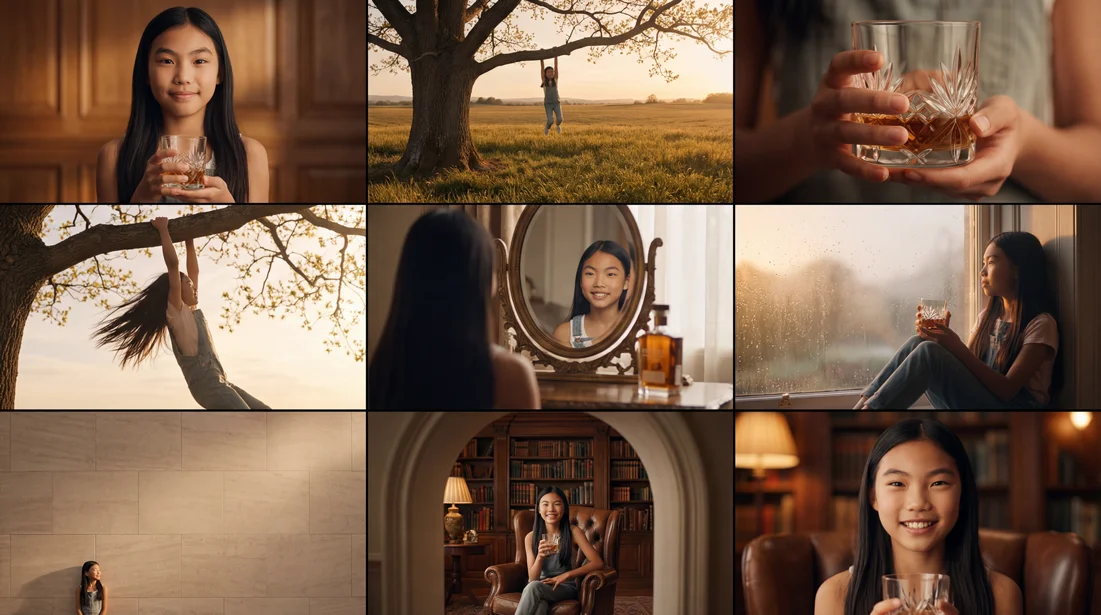
Build Timeline
Place images in edit to test pacing and flow.

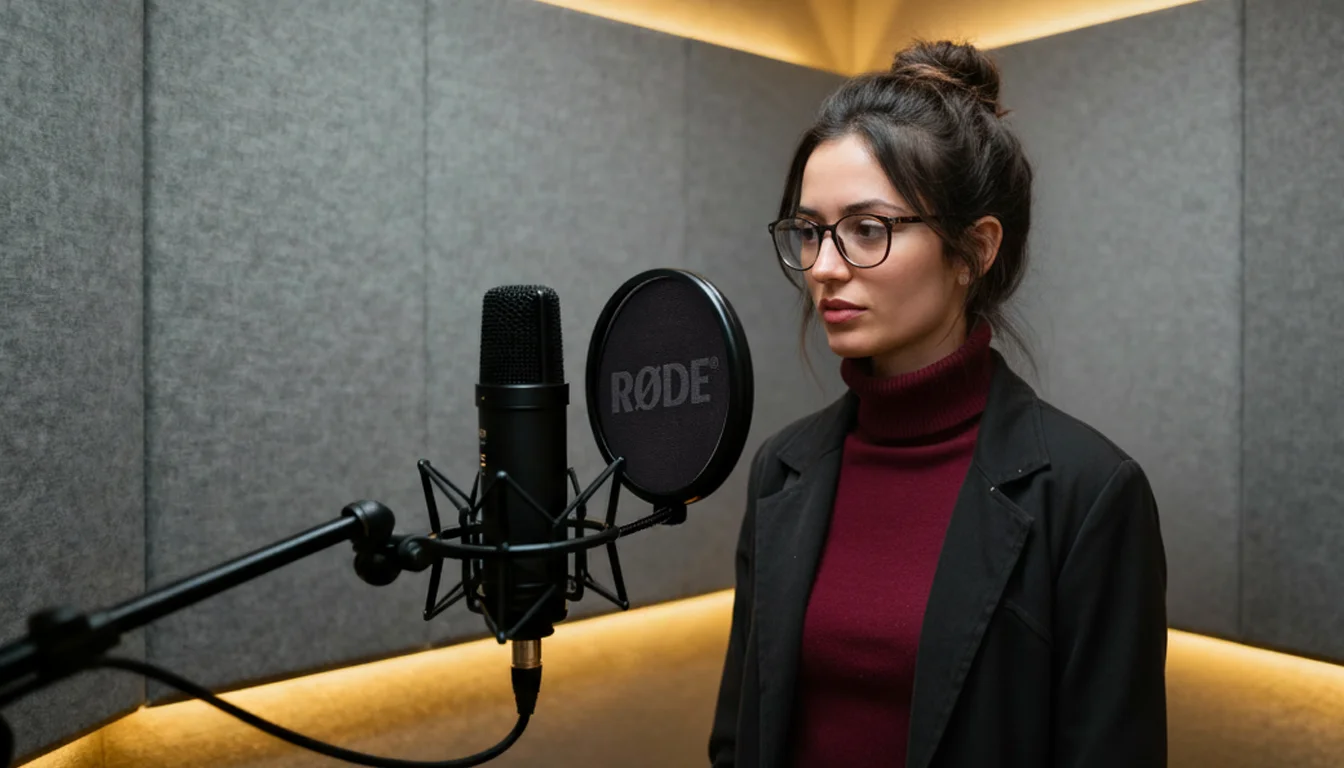
AI Voice-Over
Select voice matching brand/tone, guide delivery.
AI Music
Explore musical directions, balance with voice and visuals.
Timeline Preview & Feedback
Review draft before motion production.
Image-to-Video Generation
Turn images into short moving shots.
Upscaling & Resolution Enhancement
Push footage to highest usable quality.
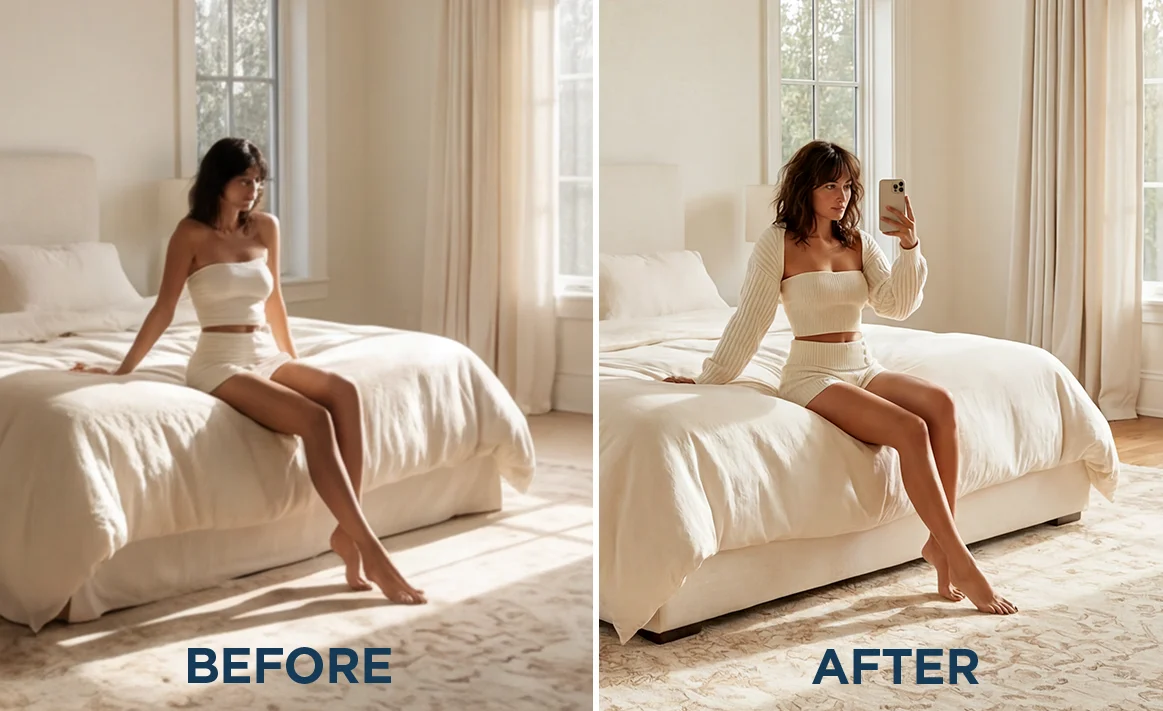
Composition & Visual Refinement
Adjust framing, fix breaking elements.
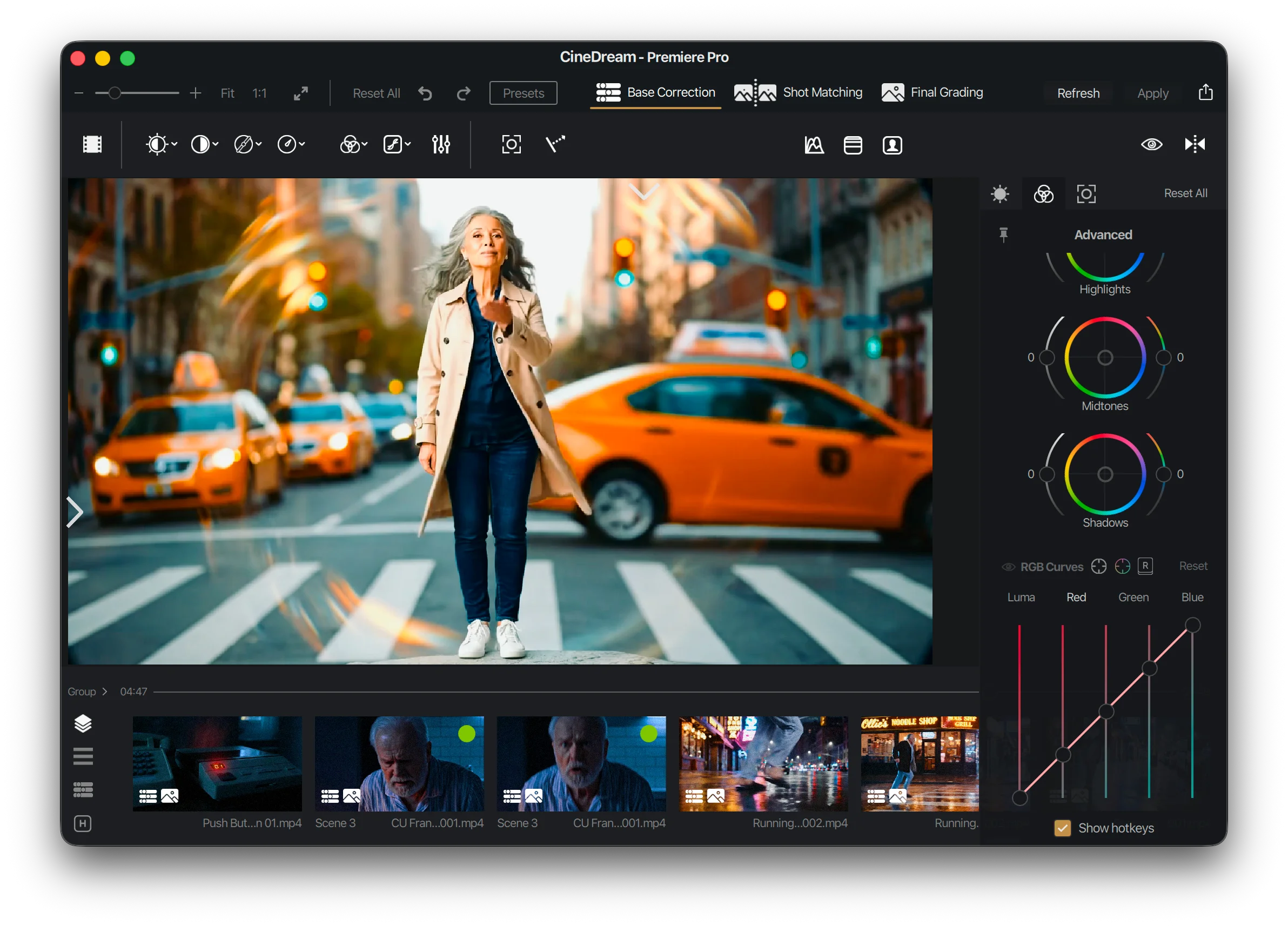
Color Correction & Visual Consistency
Match exposure/contrast across shots.
Sound Effects & Final Mix
Add sound effects, shape ambience, balance levels.
Final Delivery
- Agreed formats and resolutions
- Variations (aspect ratios, lengths, platform-specific cuts)
- Subtitles (SRT or burned-in)